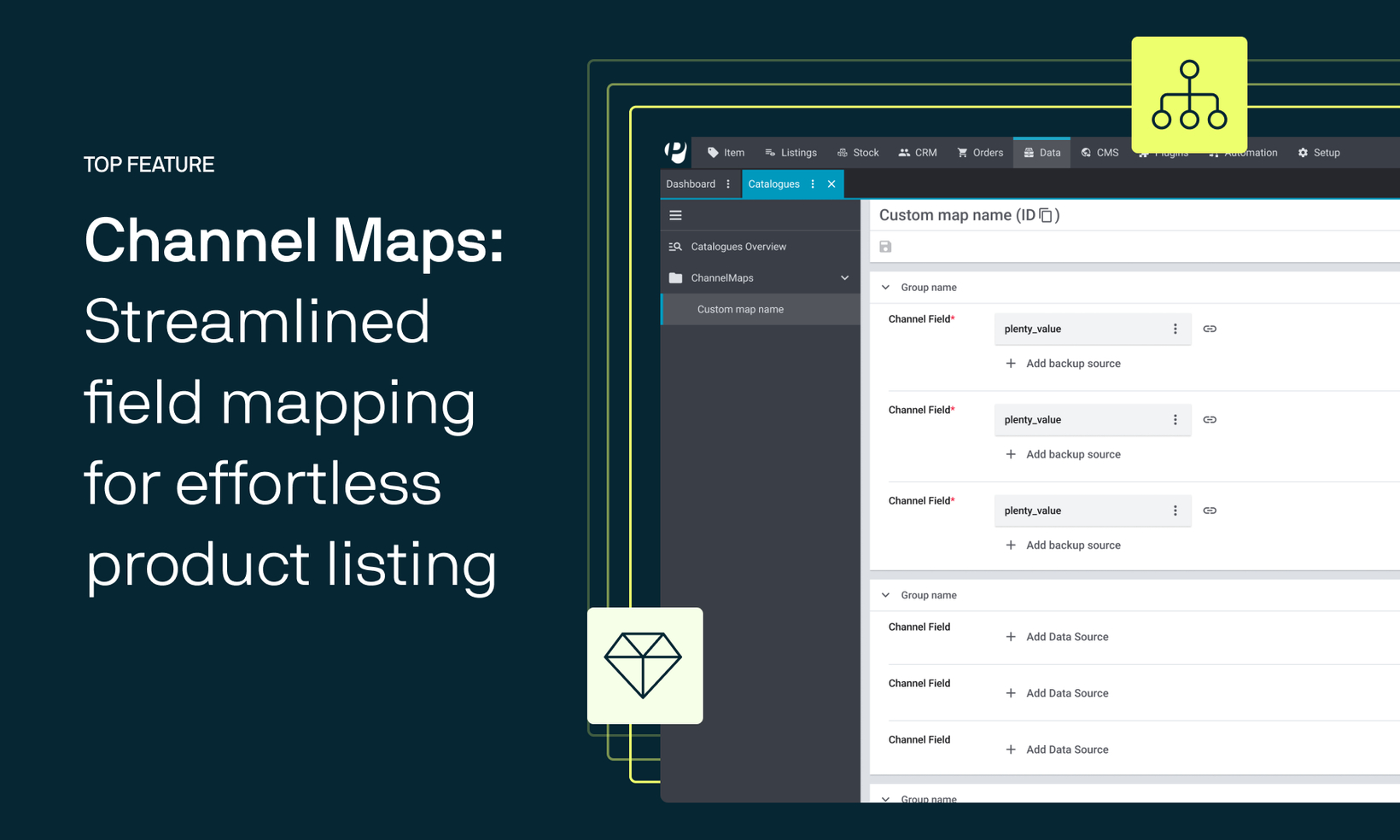
Released: Introducing Channel Maps for Kaufland Global Marketplace
We're excited to announce the release of Channel Maps for Kaufland, a new feature designed to significantly simplify and streamline catalogue mappings across multiple categories.
Here's how Channel Maps enhances data mapping for Kaufland
Managing data mappings for various categories, especially when listing on multiple platforms, has been a time-consuming and error-prone process. Previously, each category on Kaufland required an individual catalogue mapping, although many fields, such as SKU, description were shared across categories.
Channel Maps address this challenge by providing a solution to define common field mappings across categories on a centralised UI. Therefore, if the categories “Shoes” and “Dresses” both require the field “SKU”, you will be able to include it on a map and inherit it to multiple categories.
Advantages of Channel Maps at a glance
Faster Onboarding: Quickly map fields and get your products and offers listed on Kaufland with minimal setup.
Error Reduction: Avoid manual mistakes caused by repetitive data entry.
Effortless Optimization: Make changes across multiple categories in just a few clicks.
Compliance Made Easy: Ensure your listings have complete and accurate data to avoid marketplace penalties.
In its current form, the feature covers the most frequent applications, but there are more exciting enhancements to come. Check out our latest showcase on the feature:
Showcase | Channel Maps: Streamlined field mapping for effortless product listing 
Getting started with Channel Maps for Kaufland
This feature is now available for all systems.
To start using Channel Maps, navigate to Data » Catalogues » Channel Maps. You can take a look at a detailed instruction video to get started:
Instructions | Channel Maps: Accelerating product data mapping across categories
For any questions or assistance, please refer to the changelog for detailed information. If you require further support, please contact our support team in the forum.